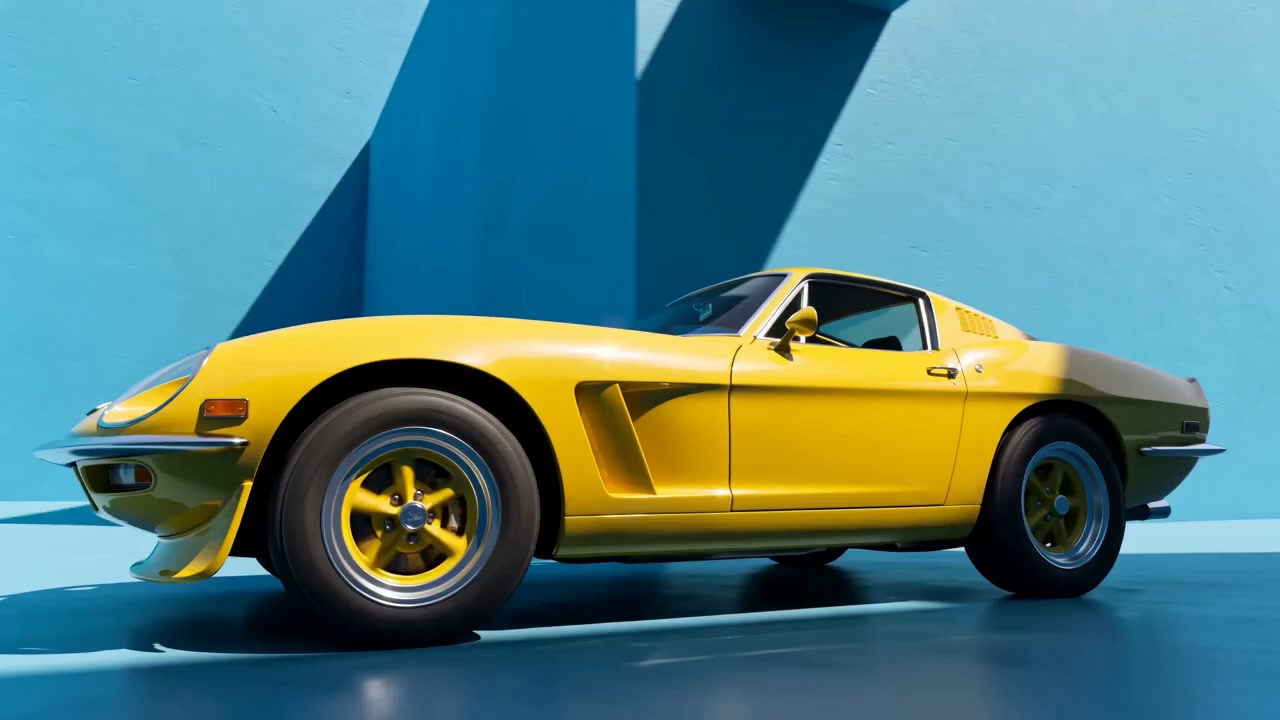
01Open the OpenGen AI Toolkit
Launch the AI video tool, then describe what you'd like to create — a scene, a product shot, or something straight from your imagination — with a simple text prompt.


Veo 3.1, Kling and Seedance included. Type an idea, get a video in minutes.
 Veo 3.1
 Kling
Kling SeedanceNano Banana
Generate video and images from text, photos, or references with industry-leading AI models — one platform for every kind of thing you want to make.
Veo 3.1Google's filmmaker-grade video model: native audio, first and last frames, and realistic physics.
Checking model availability…
OpenGen AI tools are intuitive by design, so it's easy to produce standout animated clips and cinematic videos. Whether you begin from a prompt, your photos, or just something you sketched out, these quick steps show how OpenGen turns your ideas into finished videos.
Launch the AI video tool, then describe what you'd like to create — a scene, a product shot, or something straight from your imagination — with a simple text prompt.
Choose an AI video model, then set aspect ratio, resolution, and duration, plus optional start and end frames.
Produce your new AI video in seconds, then download it or keep refining — the next version is often one prompt tweak away.
Explore the image and video models available in OpenGen right now.
Loading available models…
Get the fastest, most intuitive way to make professional videos with today's leading AI video generation models — including camera control, start and end frames, and rapid iteration whenever you want to turn something rough into something polished.
Use the latest AI video models, including Veo 3.1, Kling, and Seedance, in one workspace the moment they launch.
Generate polished clips with lifelike motion, stable characters, and crisp detail.
Turn a text prompt into video, or animate a photo with image-to-video and start and end frame control.
Produce concepts, storyboards, and ad clips faster while cutting production costs.
Generate AI videos in your mobile browser using the models available in the studio.
Bring AI video and image creation together in one workspace.
Discover images and videos from the OpenGen Explore gallery.
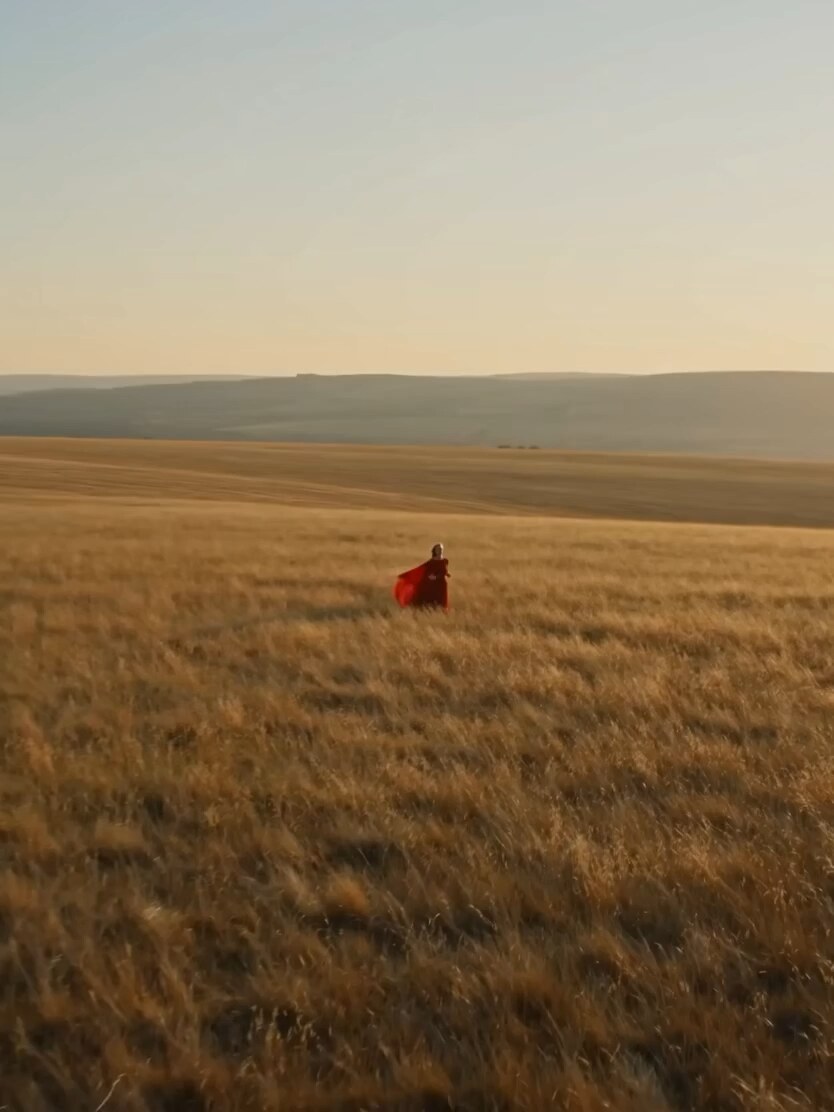 Minimax Hailuo 2.3Dress in the MeadowA woman in a flowing red dress runs through a windswept golden field, the fabric trailing dramatically behind her.Create something similar ↗
 Kling 3.0Above the CloudsA cinematic aerial view above a sea of clouds, with rugged mountain peaks emerging through the mist.Create something similar ↗


One workspace for AI image and video generation using the models currently available in the studio.

Turn prompts and photos into video clips using the available models and their supported settings.

Turn text prompts into striking images in any style. Generate with today's leading image models, compare results side by side, and iterate until every detail feels right.

Restyle portraits and photos in one tap with trending, always-fresh looks — from film grain to full character transformations.
Best for mobile creators: OpenGen creates studio-grade AI video right on your phone.
Best for photo-to-video: OpenGen turns photos into cinematic clips with precise start and end frame control.
Available models: OpenGen brings together AI video models; current availability is shown in the studio.
All-in-one toolkit: OpenGen brings AI image and video generation into a single workspace.
OpenGen's AI video generator turns still images and photos into short, animated videos with smooth camera movement and natural motion. It's a great fit when you want to animate something quickly — from personal photos to product shots — and produce dynamic clips in many visual styles without any editing experience.
Open the AI Video tool, upload your image as a start frame, describe the motion you're after, then pick a model and generate. You can add an end frame for tighter control and keep iterating with quick prompt tweaks until it feels right.
OpenGen does not claim ownership of your outputs. Personal or commercial use depends on applicable law, rights in your inputs, third-party rights, and the selected model’s terms. We do not guarantee copyright protection or commercial clearance.
OpenGen does not claim ownership of your outputs. Personal or commercial use depends on applicable law, rights in your inputs, third-party rights, and the selected model’s terms. We do not guarantee copyright protection or commercial clearance.
OpenGen does not train its own AI models with your prompts or outputs. Generation requests are processed through OpenRouter and downstream AI providers, whose retention and training policies vary. See our Privacy Policy before submitting sensitive content.